6 Club game download APK on Android: the pin, the warning screens, and the checks after
· checked by Meher Saluja
The quickest 6 Club game download on Android is not a download: open the lobby in Chrome, tap "Add to Desktop" at the bottom (or Install app in Chrome's menu), and the icon is on your home screen in under a minute. If you already have a 6 Club game APK from somewhere else, Android itself shows you most of what you need to judge it — the screens are below.
Independent guide · not 6 Club · no file to download here
Route one: the pin from Chrome (no file)
- 1Open Chrome and go to the lobby from your own bookmark. If you only have a link from a group, compare it with the address you used before; when in doubt, do not continue.
- 2Look for the strip at the bottom of the lobby with "Add to Desktop". Tap it.
- 3Chrome shows a small card with the app name and an icon. Tap Install or Add.
- 4Go to the home screen. The new icon sits on the last page or in the app drawer; long-press and drag it where you want.
Nothing in that sequence touches Android's security settings. If any step asks you to turn on "install unknown apps", you are no longer on route one.
When the strip does not appear
Some Chrome versions hide the strip until you have scrolled the page once. Others show the option only in the three-dot menu, as Add to Home screen. Samsung Internet calls it Add page to → Home screen. All of them do the same thing.
Route two: you already downloaded a 6 Club game APK
Here Android stops you three times, and each stop is worth reading rather than tapping through.
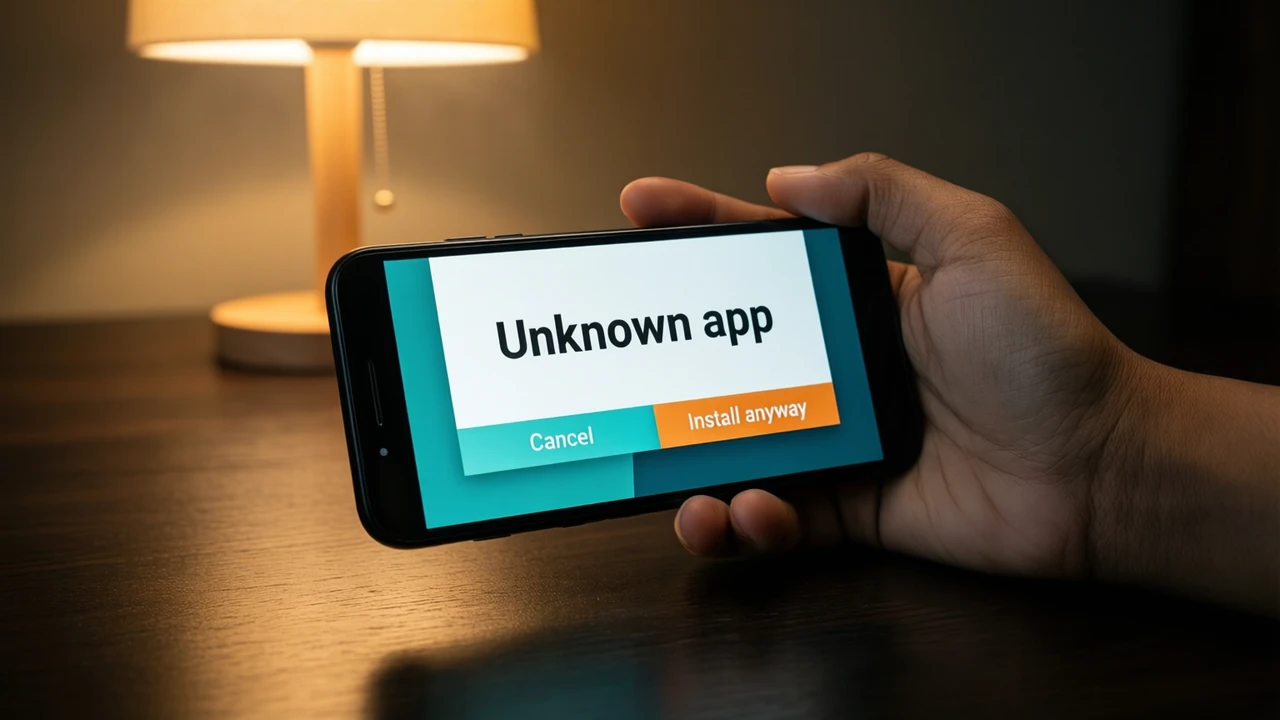
- 1The unknown-sources block. Android refuses the file and points you to a settings switch, because the file came from Chrome, WhatsApp, Telegram or a file manager rather than a store. Turning the switch on lets that app install anything from now on, not just this one file.
- 2Play Protect. A panel may say the app is unknown to Google, or that it was "blocked" as harmful. "Unknown" means nobody at Google has ever checked it; "harmful" means somebody has.
- 3The install screen. Before the final tap, Android lists the app name. After install, the permissions screens follow on first launch.
Permissions that do not belong in a lottery lobby
| Permission request | What it allows | Does a lottery lobby need it? |
|---|---|---|
| Read SMS | read every text message, including bank OTPs | No |
| Display over other apps | draw a fake screen on top of your banking app | No |
| Accessibility service | see and tap anything on screen for you | No |
| Contacts | copy your address book | No |
| Notifications | show messages | Optional |
One "No" in that table is enough to cancel. A browser-based lobby wrapped in a file has no honest reason to read your texts.
After install: two screens that tell you what you have
Open Settings → Apps, find the app and open App info.
- Version sits at the bottom. A file sold as the newest that still says "1.0" is not new.
- App details or Installed from shows where it came from. "Package installer" or a file manager means it was sideloaded; nobody vouches for it.
- Permissions lists everything it was granted. Turn off anything from the table above.
If you are unsure after that, uninstall it from the same screen and use route one. You lose nothing: your account lives in the lobby, not in the file, and the same number and password open it from the pinned icon.
What a pinned icon cannot do
A home-screen pin does not send you notifications unless you allow them in Chrome, does not work offline and does not run in the background. Those limits are the reason it is safe: it can only do what the open lobby page can do. If a file promises extras — faster results, "VIP signals", hidden rounds — read the mod files page before believing it.
For keeping the icon current, see the update check; for the colour rounds inside it, the lottery-in-the-app page.
FAQ
Is the 6 Club game APK different from the 6 Club APK?
The names are used interchangeably by whoever uploads them. What matters is the package name and source on App info, not the title.
Can I keep the APK and the pin side by side?
You can, but there is no reason to. The pin opens the same lobby without any of the permissions a file may hold.
My phone says "App not installed". Is something wrong?
Usually the file is broken or built for an older Android version. That is one more sign it was not maintained by anyone; use the pin.