6 Club lottery download: one icon, one lobby, and the colour rounds inside it
· checked by Meher Saluja
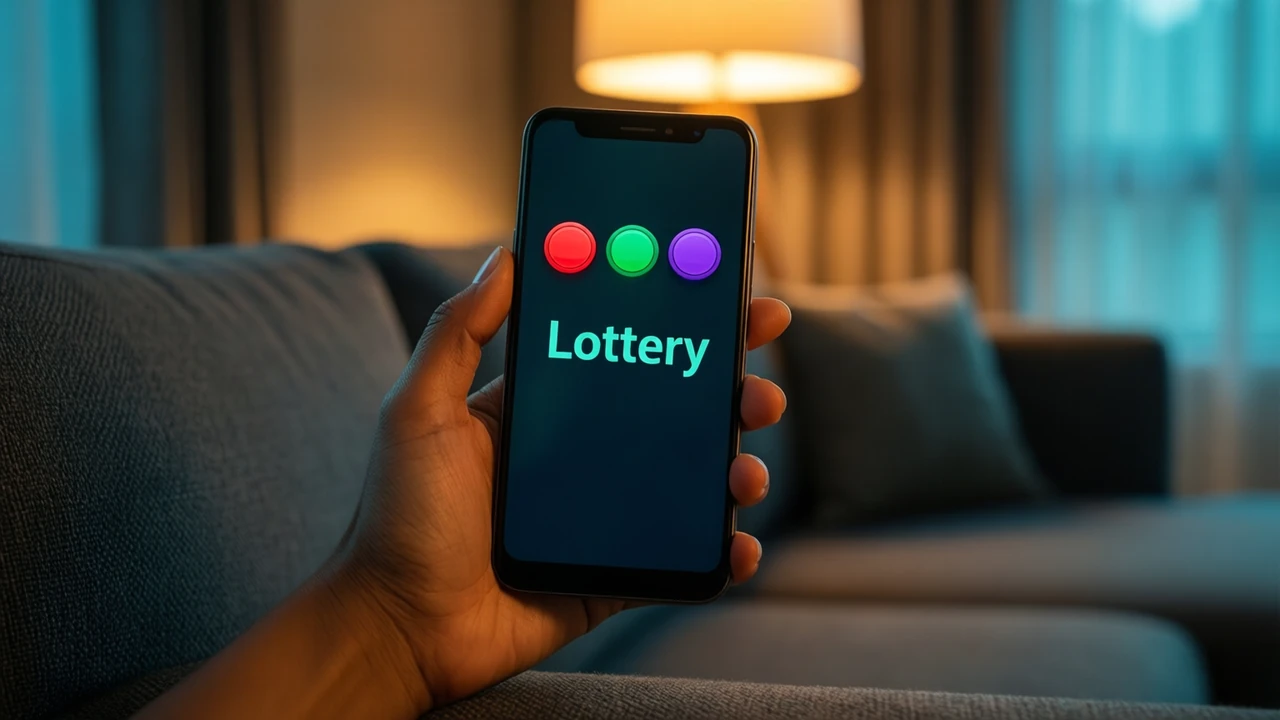
You do not need a separate 6 Club lottery download. The colour rounds are a tab of the same lobby — Lottery — and the home-screen pin you add from Chrome opens straight into that lobby. One icon covers the lottery, slots, card tables and everything else; a file that promises "just the lottery app" is somebody's repackaged build.
Independent guide · not 6 Club · no file to download here
Where are the colour rounds after you open the icon?
- 1Tap the pinned icon. The lobby opens on its home screen; sign in if it asks.
- 2Tap the Lottery tab in the row of categories near the top.
- 3Pick the colour-round game. Rounds run in timed periods with a countdown, and you choose a colour (red, green or violet), a number, or big/small before the timer ends.
Nothing about this changes between Chrome and the pin. Same account, same wallet, same rounds — the pin only hides the address bar and gives you a one-tap way in.
Does the app make the rounds faster or fairer?
No. Every period is settled on the lobby's side and shown to every player at the same moment. Opening it through an icon, through Chrome or through a file someone sent you makes no difference to the result. What the icon can change is your habits: a one-tap lottery on the home screen is easy to open a hundred times a day. If that is a worry, keep the icon in a folder rather than on the first screen, or skip the pin and use a bookmark.
Why do "lottery APK" files keep appearing?
Because "6 club lottery" is searched far more than any single app could answer, uploaders package the lobby, or something that looks like it, under that title. You meet them on mirror sites and in channels that also sell "prediction" access. Two clues they are not the lobby's own path:
- they ask for the "install unknown apps" switch, which a pin never does;
- they arrive together with a promise about results — the mod files page explains why no file can know the next colour.
Pinning on a second phone
Each phone needs its own pin; the account follows you. On the second phone, open the lobby in Chrome or Safari, add it to the home screen, and sign in with the same number and password. The Android steps show the screens; iPhone uses Safari's Share button and Add to Home Screen.
FAQ
Is there a 6 Club lottery app for iPhone?
Only the same pin, added from Safari. iOS does not install APK files.
Can I play the lottery without the app?
Yes. The lobby works in any mobile browser; the icon is a convenience, not a requirement.